Multilingual Ghost CMS Blog: 6. Fixing Invisible Post Excerpts on Tag Pages


In the previous version, I also applied multilingual filtering to the Tag page. It shows only the post cards that match the language selected in the Language selector, and I also added an opacity transition so the cards fade in smoothly.
But when I actually used it, there was a problem: the post card titles and images were visible, but the post excerpts remained transparent.
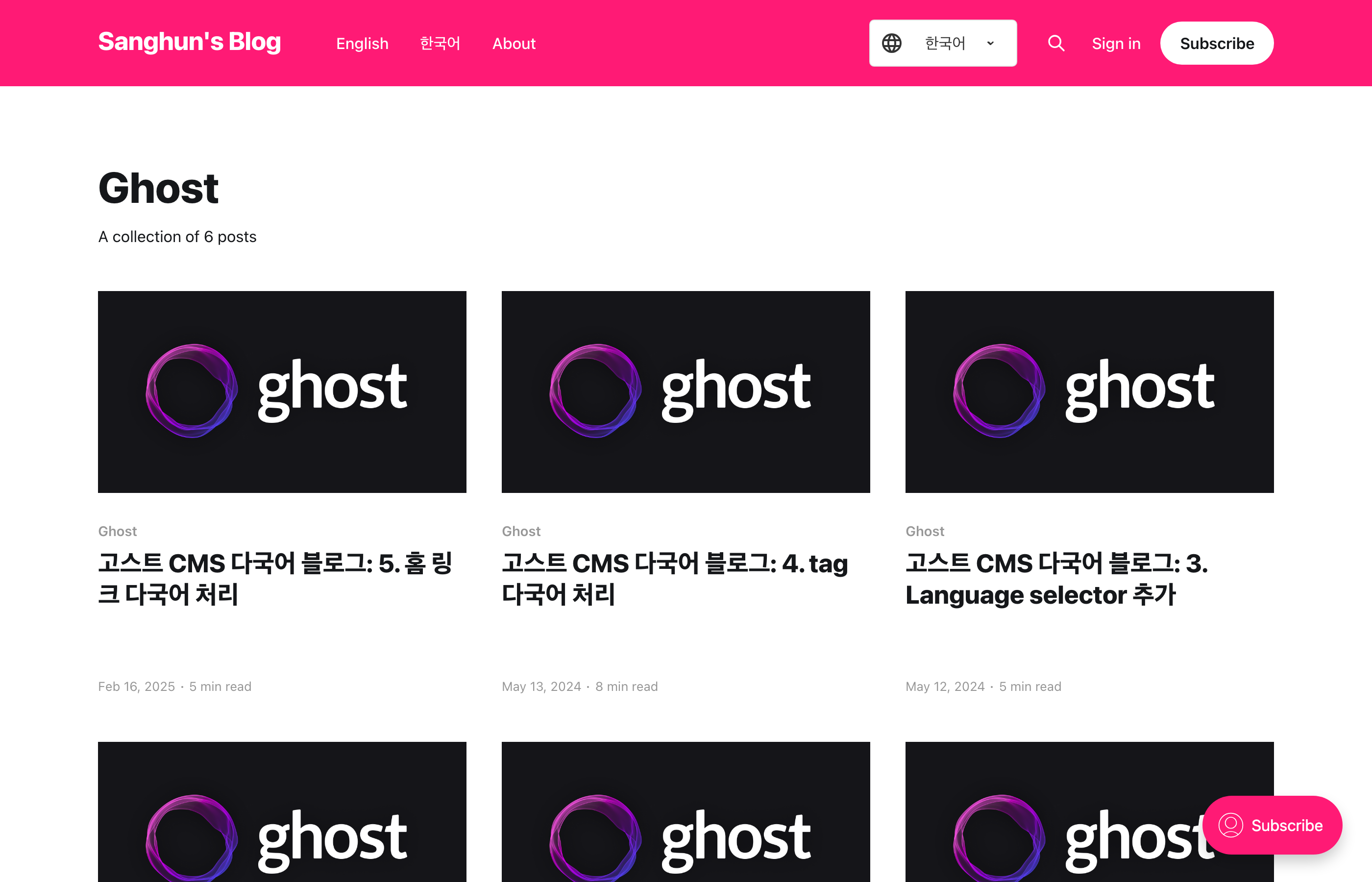
The card title and image are visible, but the excerpt does not appear.
0.0.6 · Fix Tag page excerpt fade-in
Cause
On the Tag page, all post cards are initially made transparent.
.post-card-excerpt,
div.post-card {
    opacity: 0;
    transition: opacity 0.5s ease;
}
Then only the cards that match the selected language are changed to opacity: 1.
setTimeout(() => {
    card.style.opacity = 1;
}, 10);
The issue is that .post-card-excerpt also has opacity: 0 applied separately. Even if the parent card is changed to be visible, the child .post-card-excerpt still has an opacity of 0.
In other words, both the entire card and the excerpt were made transparent, but only the card was made visible again.
Updating tag.hbs
When displaying a card, also find the .post-card-excerpt inside that card and change it to opacity: 1 as well.
setTimeout(() => {
    card.style.opacity = 1;

    const excerpts = card.querySelectorAll('.post-card-excerpt');
    excerpts.forEach(excerpt => {
        excerpt.style.opacity = 1;
    });
}, 10);
card.style.opacity = 1: Shows the entire card.excerpt.style.opacity = 1: Shows the post excerpt inside the card.- Handle both inside the same
setTimeoutso the card and excerpt appear together.
Result
Now, when I change the Language selector on the Tag page, the post cards and excerpts for the selected language appear together.
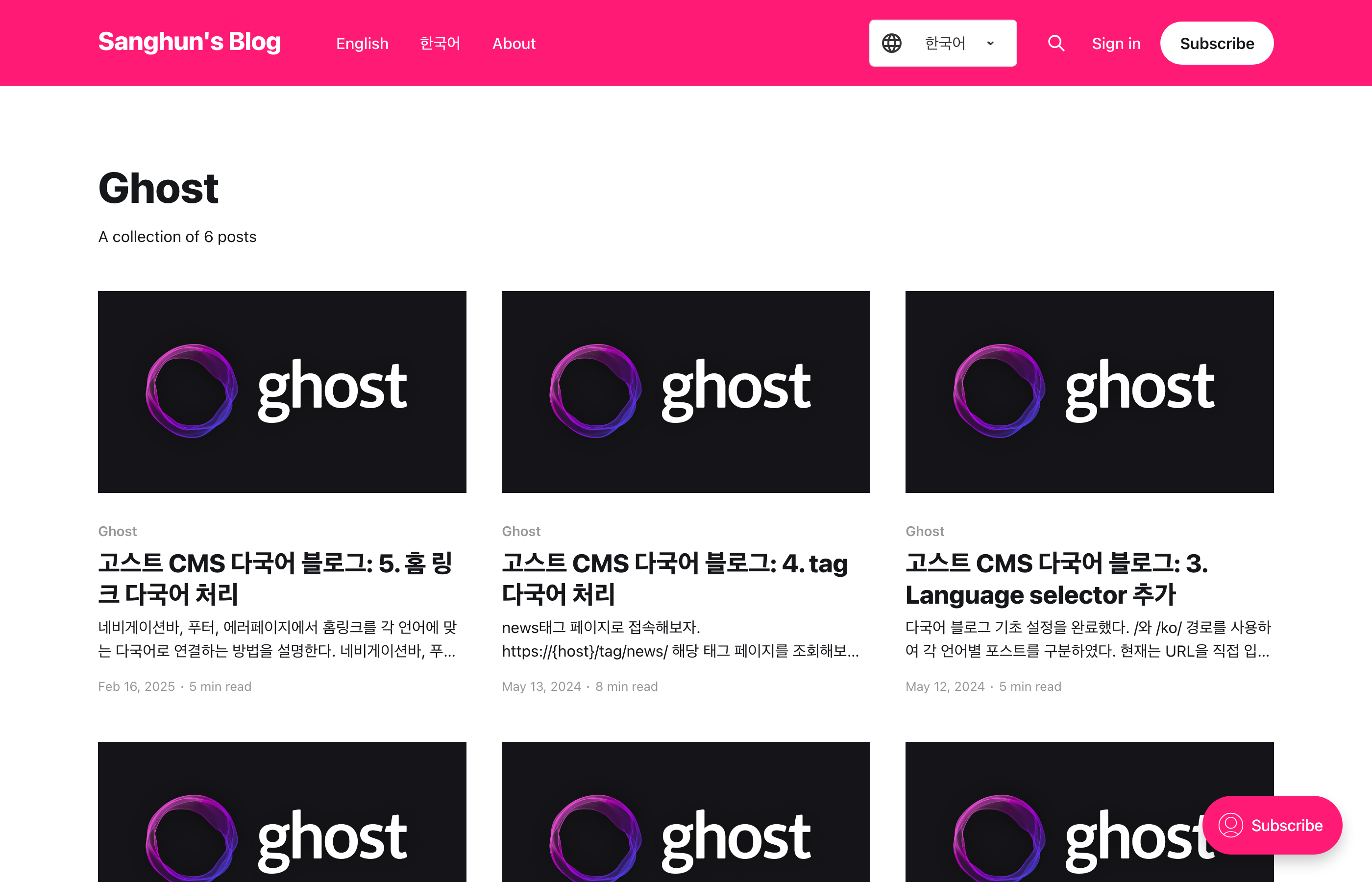
I applied theme version 0.0.6 while keeping the same content and language. When the cards appear, the excerpt opacity is restored as well, so both the title and the post summary are visible.
This was not a problem with the multilingual handling itself. It was a small UI bug caused by applying opacity separately to the parent and child in CSS, while restoring only the parent in JavaScript.