Multilingual Ghost CMS Blog: 5. Making Home Links Language Aware


This explains how to make the home links in the navigation bar, footer, and error page point to the correct language-specific homepage.

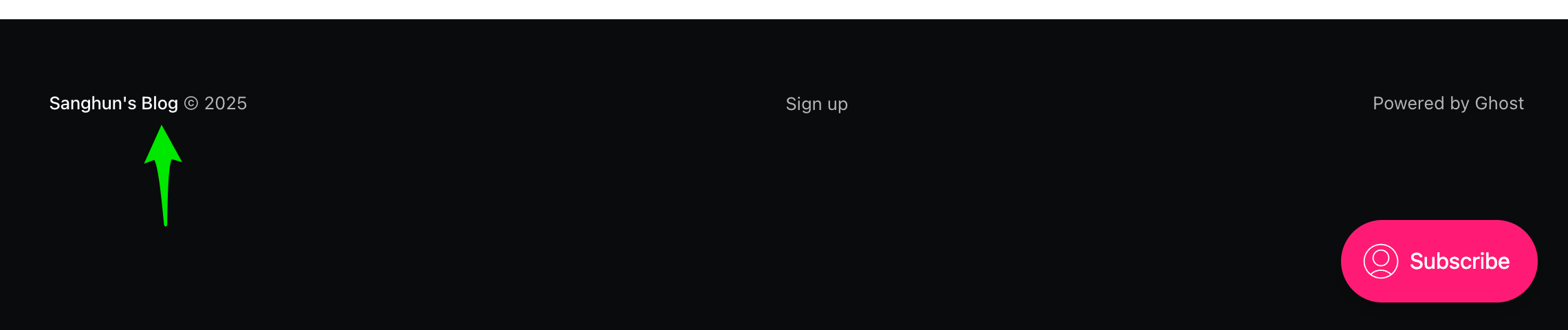
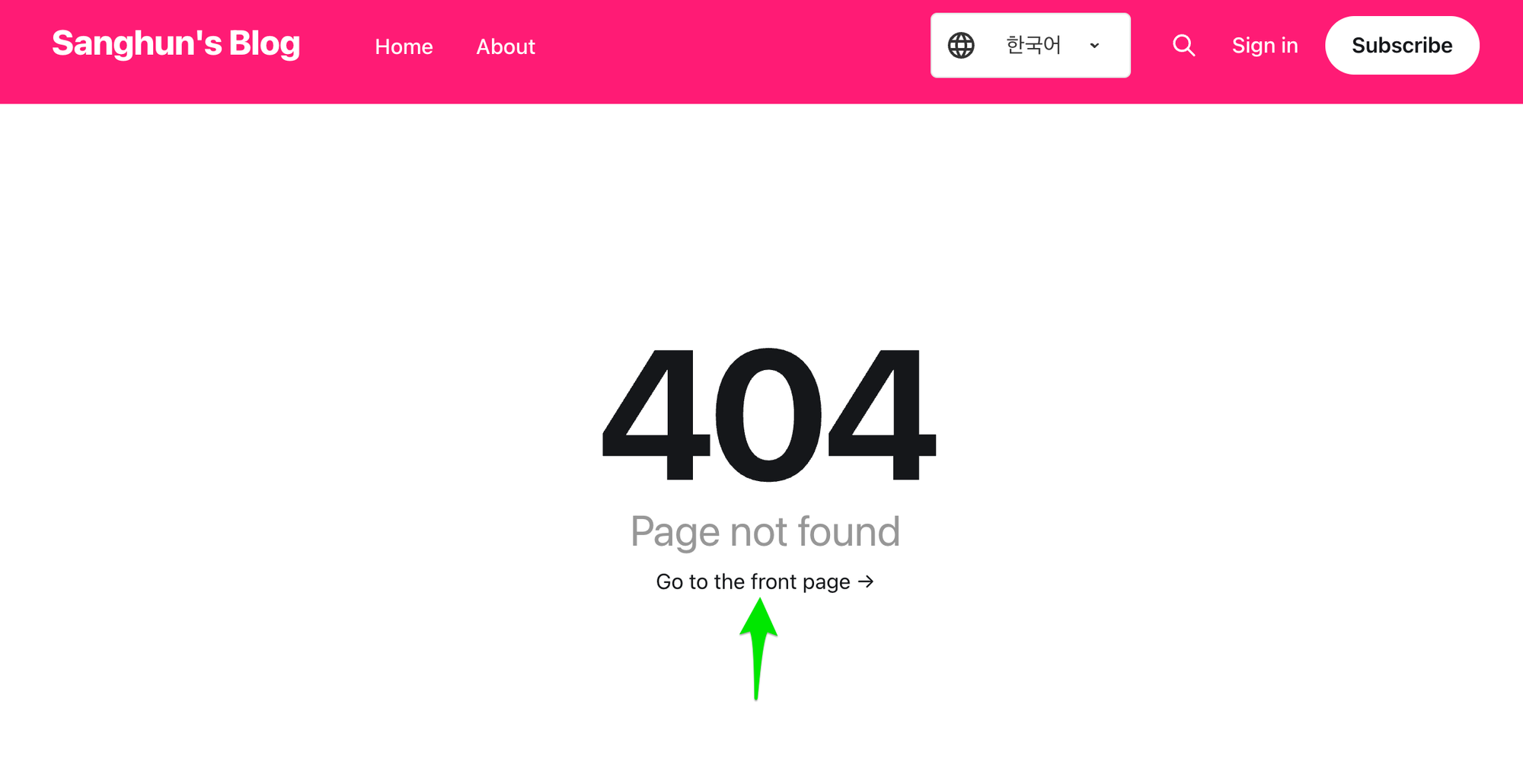
There are home links in the navigation bar, footer, and error page. These links are set to @site.url, and regardless of the multilingual settings, they only point to the main page of the default language. Let's modify them so they point to the currently active language instead.
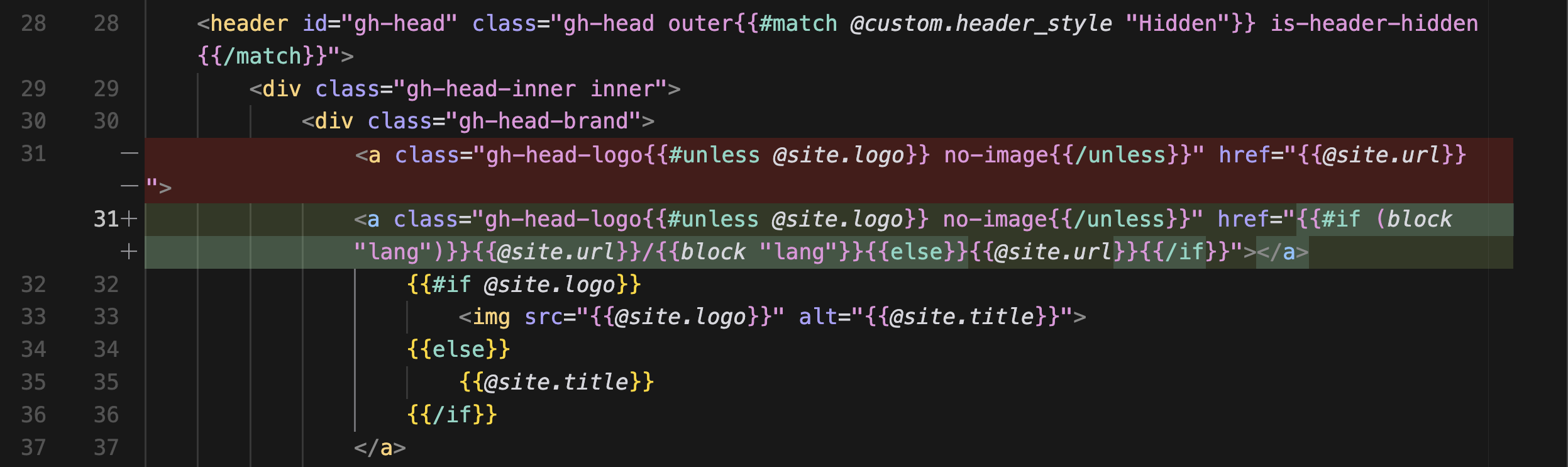
<a class="gh-head-logo{{#unless @site.logo}} no-image{{/unless}}" href="{{#if (block "lang")}}{{@site.url}}/{{block "lang"}}{{else}}{{@site.url}}{{/if}}">In default.hbs, it works properly if you handle it by using the block "lang" in an if condition, the same way as before.
However, this approach does not work properly on the error page or tag page. That is because these pages do not include index-ko or index-en, and they also do not explicitly assign "lang" values like post or page do. So I decided not to rely on lang.
The new idea is to change the approach so that, as in tag.hbs, it retrieves the selectedLanguage value stored in localStorage and updates the URL based on that value.
Since this needs to be done in default, tag, and error as well, I wanted to create a separate file and reuse it. I made separate functions for these two tasks and stored them in a separate util.js file so they could be reused across multiple files.
function getSelectedLanguage() {
  return localStorage.getItem("selectedLanguage") || "en";
}

function updateLink(selector, language) {
  const element = document.querySelector(selector);
  if (element) {
    let siteUrl = element.getAttribute("href");
    if (!siteUrl.endsWith("/")) {
      siteUrl += "/";
    }
    element.setAttribute("href", `${siteUrl}${language}/`);
  }
}
assets/js/util.js
Using these functions, let's update all files that contain @site.url links.
You can load the newly created js file using the {{asset}} helper.
<script type="text/javascript" src="{{asset 'js/util.js'}}"></script>
Reference:


Full code
You can check the full code here on GitHub.
 sanghunka
error-404.hbs
Let's add this code at the very bottom.
It's simple. It gets selectedLanguage and changes the href of .error-link to match it.
<script type="text/javascript" src="{{asset 'js/util.js'}}"></script>
<script>
document.addEventListener('DOMContentLoaded', function() {
    const selectedLanguage = getSelectedLanguage();
    if (selectedLanguage !== 'en') {
        updateLink('.error-link', selectedLanguage);
    }
});
</script>
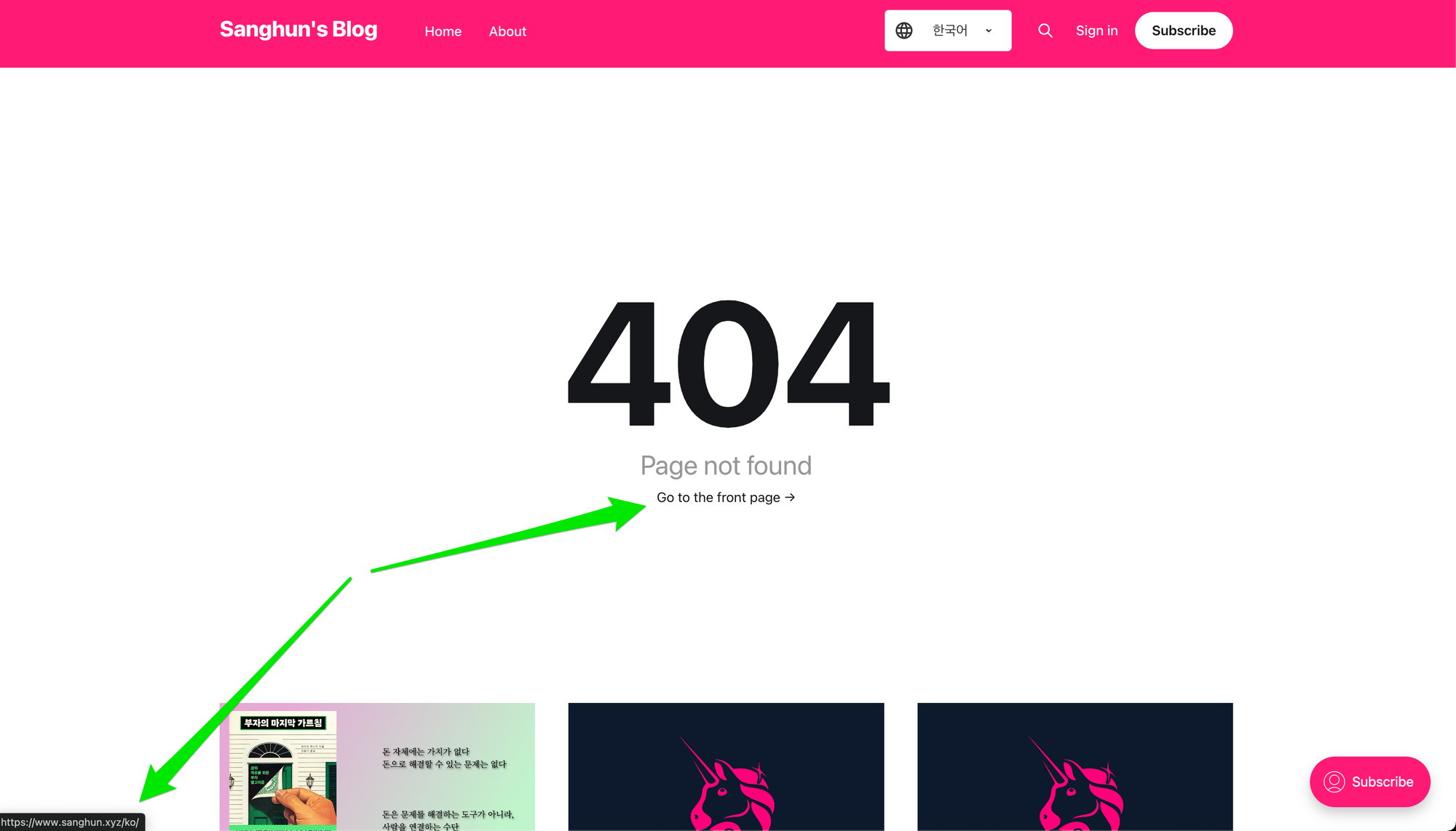
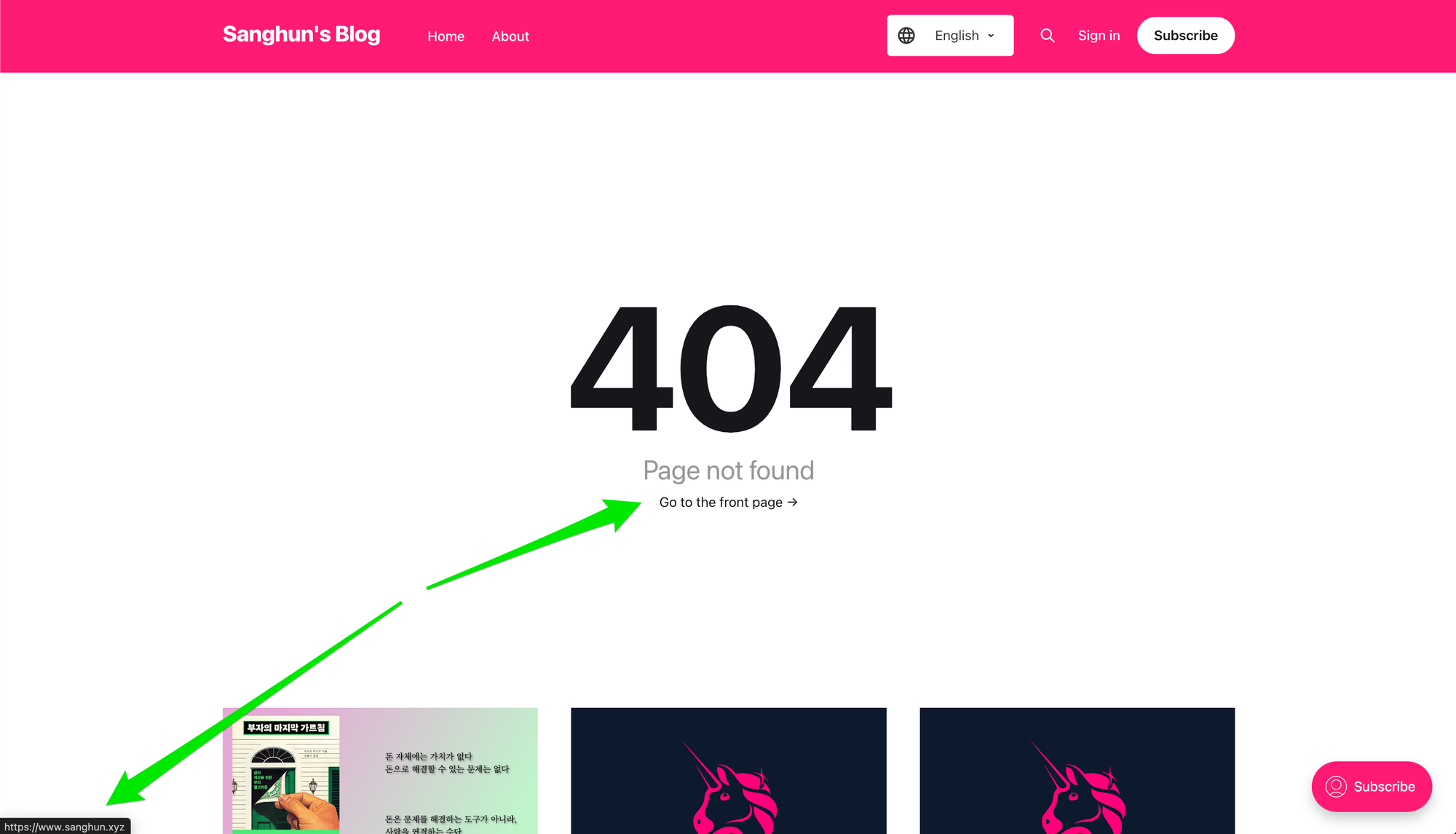
Try entering any URL (e.g. {host}/ko/404error) and check whether the home link correctly points to {host}/ko/.
error.hbs
<script type="text/javascript" src="{{asset 'js/util.js'}}"></script>
<script>
document.addEventListener('DOMContentLoaded', function() {
    const selectedLanguage = getSelectedLanguage();
    if (selectedLanguage !== 'en') {
        updateLink('.error-link', selectedLanguage);
        updateLink('.site-nav-logo', selectedLanguage);
    }
});
</script>
tag.hbs
I replaced this code, which I had implemented before,
const selectedLanguage = localStorage.getItem('selectedLanguage') || 'en';
with the newly created function.
<script type="text/javascript" src="{{asset 'js/util.js'}}"></script>

const selectedLanguage = getSelectedLanguage();
default.hbs
<script type="text/javascript" src="{{asset 'js/util.js'}}"></script>
<script>
function initializeLanguageSelector() {
    var selector = document.getElementById('languageSelector');
    var currentUrl = window.location.href;

    if (!currentUrl.includes('/tag/')) {
        var urlLanguage = currentUrl.includes('/ko/') ? 'ko' : 'en';
        localStorage.setItem('selectedLanguage', urlLanguage);
        selector.value = urlLanguage;
    } else {
        selector.value = localStorage.getItem('selectedLanguage') || 'en';
    }

    selector.style.display = 'block';

    selector.addEventListener('change', function() {
        localStorage.setItem('selectedLanguage', this.value);
        if (!currentUrl.includes('/tag/')) {
            window.location.href = this.value === 'ko' ? '/ko/' : '/';
        }
        else {
            window.location = window.location.href;
        }
    });
}

document.addEventListener('DOMContentLoaded', function() {
    initializeLanguageSelector();

    const selectedLanguage = getSelectedLanguage();
    if (selectedLanguage !== 'en') {
        updateLink('.gh-head-logo', selectedLanguage);
        updateLink('section.copyright a', selectedLanguage);
        updateLink('li.nav-home a', selectedLanguage);
    }
});
</script>
Wrapping up
With this approach, it would even be possible to completely replace the block "lang" approach. Even so, I decided to keep the block "lang" approach as is, because from an SEO perspective it has the advantage that the html lang attribute is rendered server-side, and because I do not think this part is all that important.