Fixing zsh Tab Completion Case Sensitivity Over SSH on macOS

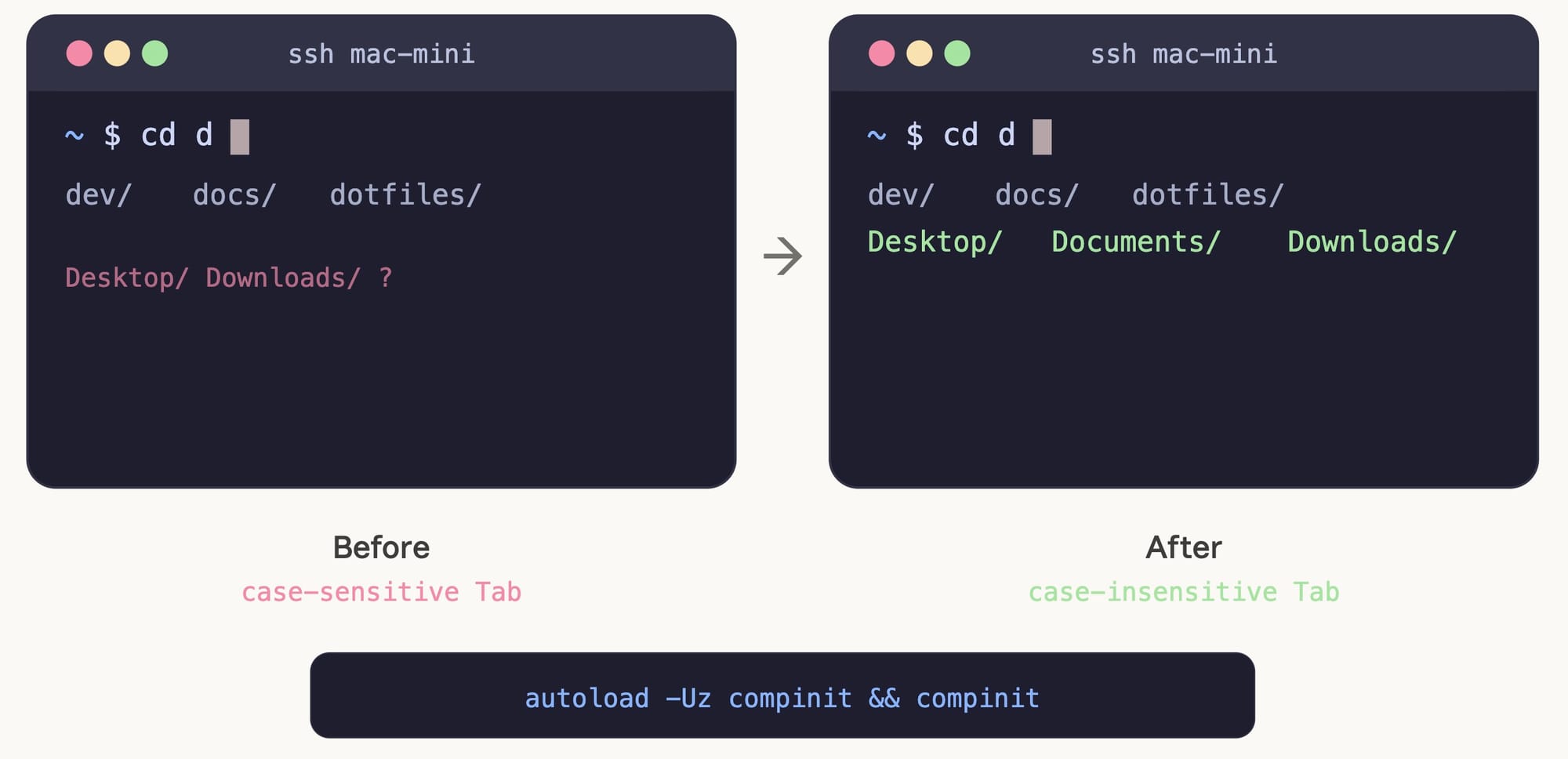
On my MacBook, pressing cd d + Tab shows folders starting with both d and D. Case-insensitive, as expected.
But when I SSH into my Mac mini, cd d + Tab only shows folders starting with lowercase d. Both machines use APFS (case-insensitive), yet tab completion behaves differently.
Cause
macOS's zsh does not automatically load the completion system (compinit) by default.
On the MacBook, Oh My Zsh (or a similar framework) had already initialized compinit with case-insensitive matching. The Mac mini was running a minimal zsh config, so the completion system was never initialized at all.
Without the completion system loaded, zstyle settings have no effect.
Fix
Add these two lines to ~/.zshrc:
autoload -Uz compinit && compinit
zstyle ':completion:*' matcher-list 'm:{a-zA-Z}={A-Za-z}'
autoload -Uz compinit && compinit: initializes the zsh completion systemzstyle ... matcher-list ...: makes tab completion case-insensitive
Run source ~/.zshrc or open a new shell to apply.
Notes
compinitenables the entire advanced completion system in zsh. It's a prerequisite for all completion customization, not just case sensitivity.- For bash, add
set completion-ignore-case onto~/.inputrcfor the same effect.