> ## Content Index
> Fetch the complete content index at: https://sanghunkang.com/llms.txt
> Use this file to discover other available public pages before exploring further.
# 고스트 CMS 다국어 블로그: 7.hreflang 적용
- URL: https://sanghunkang.com/ko/multilingual-ghost-cms-7-home-hreflang-and-theme-name-ko/
- Published: 2026-08-20T10:51:15.000Z
- Updated: 2026-09-26T14:41:31.000Z
- Author: Sanghun Kang
- Tags: Ghost, #ko, #multi
영어 홈은 `/`, 한국어 홈은 `/ko/`에서 제공하고 있지만 검색엔진에는 두 페이지가 서로 다른 언어 버전이라는 정보가 없었다.
사용자에게 Language selector를 제공하는 것과 검색엔진에 다국어 관계를 설명하는 것은 별개의 문제다. 검색엔진에는 `hreflang`을 이용해 각 언어 URL의 관계를 알려줘야 한다.
0.0.7에서는 영어와 한국어 홈 페이지에 `hreflang`을 추가했다.
[0.0.7 · Rename theme folder](https://github.com/sanghunka/ghost-multilingual-theme/commit/69c5e15?ref=sanghunkang.com)
[0.0.7\~0.0.8 · Home and post hreflang](https://github.com/sanghunka/ghost-multilingual-theme/commit/5492342?ref=sanghunkang.com)
## 홈 페이지에 필요한 hreflang
이 블로그의 홈 URL은 다음과 같다.
```text
English: https://sanghunkang.com/
한국어: https://sanghunkang.com/ko/
```
두 페이지의 ``에 아래 세 링크를 넣고자 했다.
```html
```
`en`과 `ko`는 각 언어의 홈을 가리킨다. `x-default`는 사용자의 언어가 어느 쪽에도 명확히 해당하지 않을 때 사용할 기본 페이지다. 이 블로그는 영어를 기본 언어로 사용하므로 `/`를 지정했다.
## `{{#is "home"}}`으로 해결되지 않았던 이유
처음에는 `default.hbs`에서 현재 화면이 홈인지 확인한 뒤 `hreflang`을 출력하려고 했다.
```handlebars
{{#is "home"}}
...
{{/is}}
```
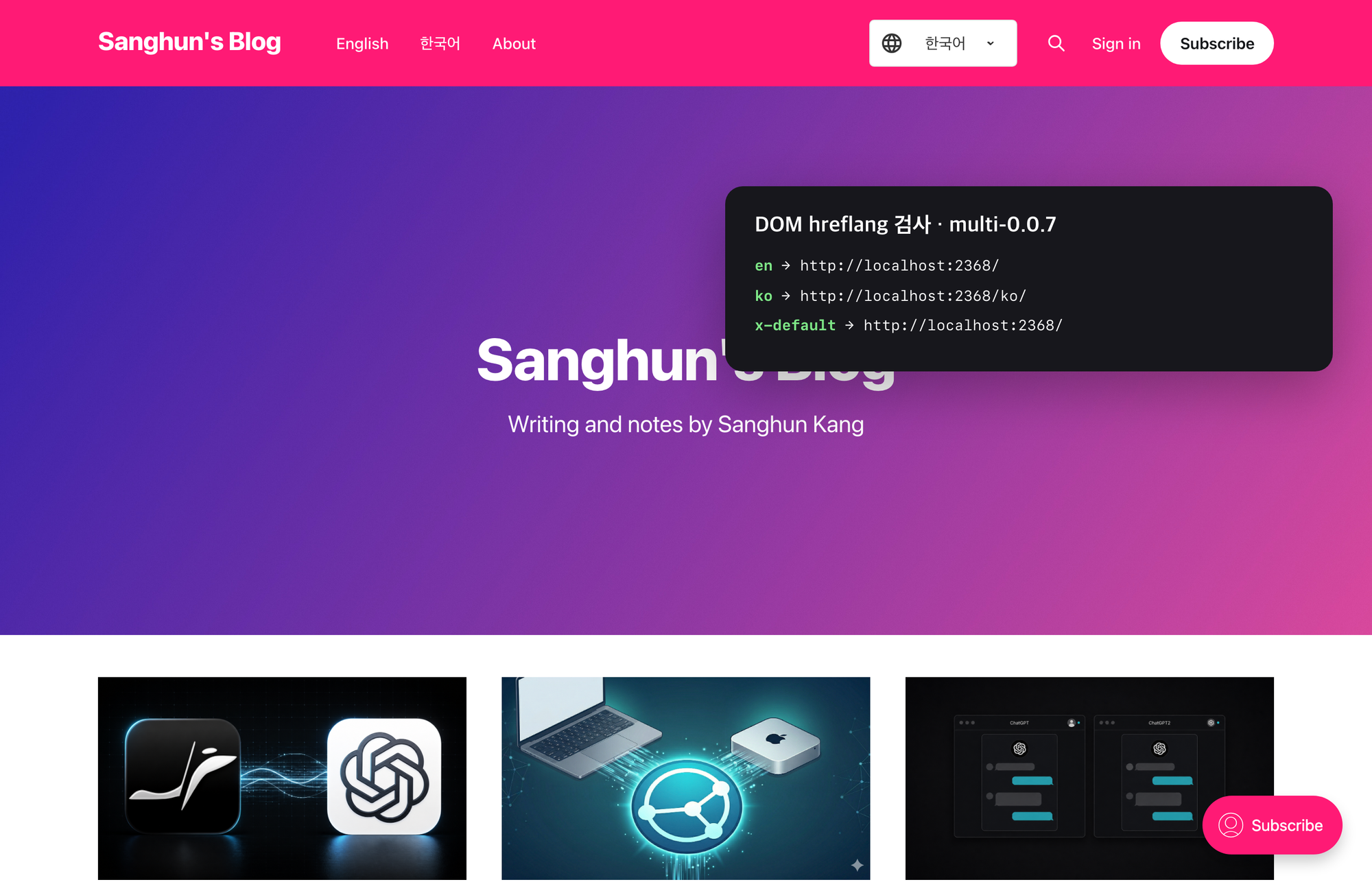
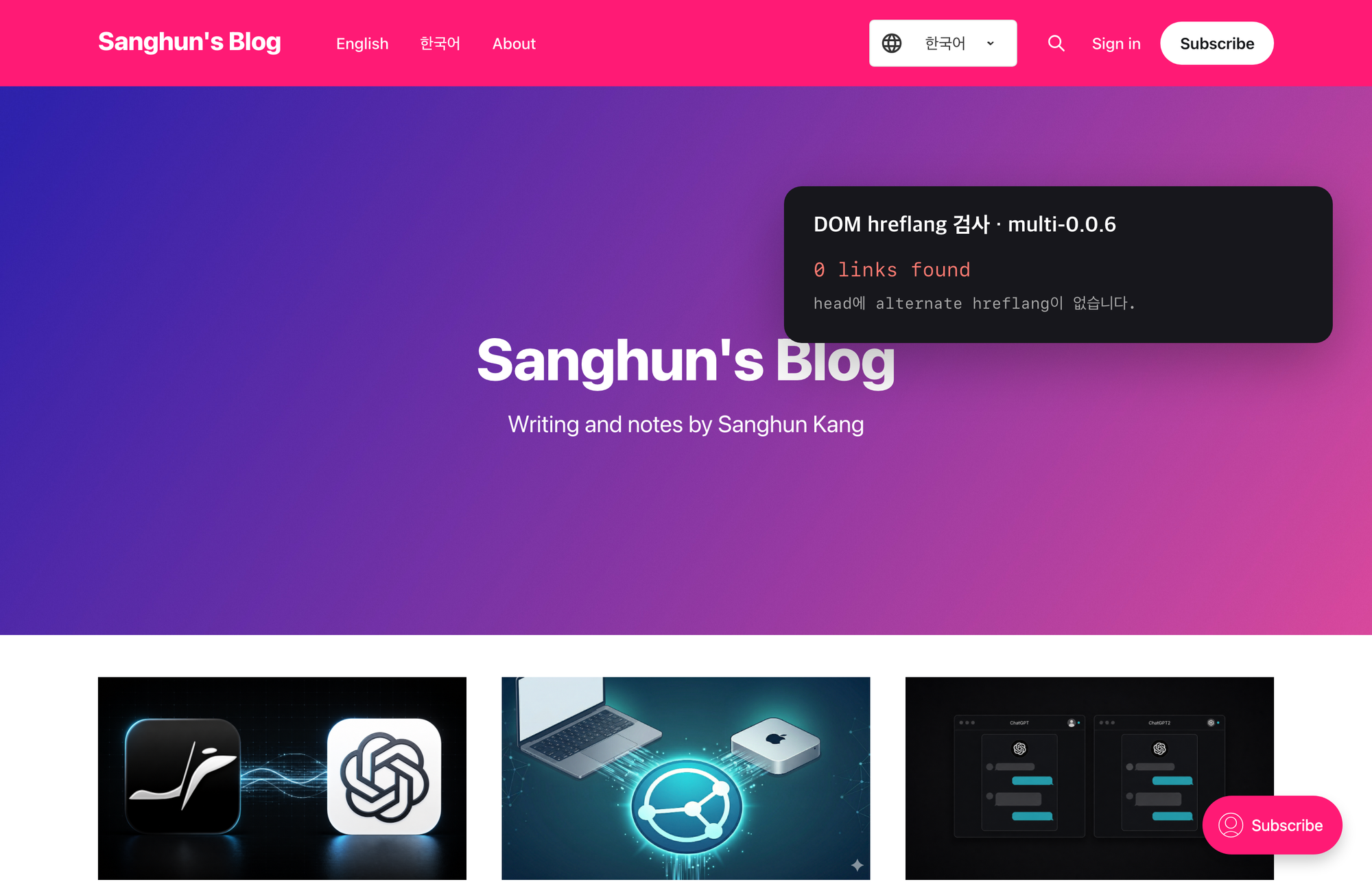
하지만 Ghost에서 `{{#is "home"}}`은 사이트의 루트인 `/`에서만 참이 된다. `/ko/`는 `routes.yaml`로 만든 Collection의 첫 페이지이므로 Ghost가 사이트 홈으로 판단하지 않는다.
결과적으로 영어 홈에는 `hreflang`이 나오지만 한국어 홈에는 나오지 않았다.
## contentFor를 이용한 처리
언어별 홈이 사용하는 `index-en.hbs`와 `index-ko.hbs`에서 동일한 `hreflang` 블록을 전달하고, `default.hbs`가 이를 ``에 출력하도록 변경했다.
### index-en.hbs
```handlebars
{{!< index}}
{{#contentFor "lang"}}en{{/contentFor}}
{{#contentFor "hreflang-home"}}
{{/contentFor}}
```
### index-ko.hbs
```handlebars
{{!< index}}
{{#contentFor "lang"}}ko{{/contentFor}}
{{#contentFor "hreflang-home"}}
{{/contentFor}}
```
두 템플릿은 같은 URL 세트를 전달한다. 다국어 페이지의 `hreflang`은 서로를 상호 참조해야 하므로 영어 페이지와 한국어 페이지 모두 동일한 언어 URL 목록을 가져야 한다.
### default.hbs
`{{ghost_head}}`보다 앞에서 전달받은 블록을 출력한다.
```handlebars
{{{block "hreflang-home"}}}
{{ghost_head}}
```
이 방식은 Ghost가 `/ko/`를 사이트 홈으로 판단하는지와 무관하게 작동한다. `index-ko.hbs`가 사용되는 화면이면 `hreflang-home` 블록이 전달된다.
## 결과 확인
영어 홈과 한국어 홈에서 각각 개발자 도구를 열고 아래 코드를 실행한다.
```javascript
[...document.querySelectorAll('link[rel="alternate"][hreflang]')]
.map(link => [link.hreflang, link.href]);
```
두 페이지에서 모두 `en`, `ko`, `x-default` 세 항목이 나오면 된다.
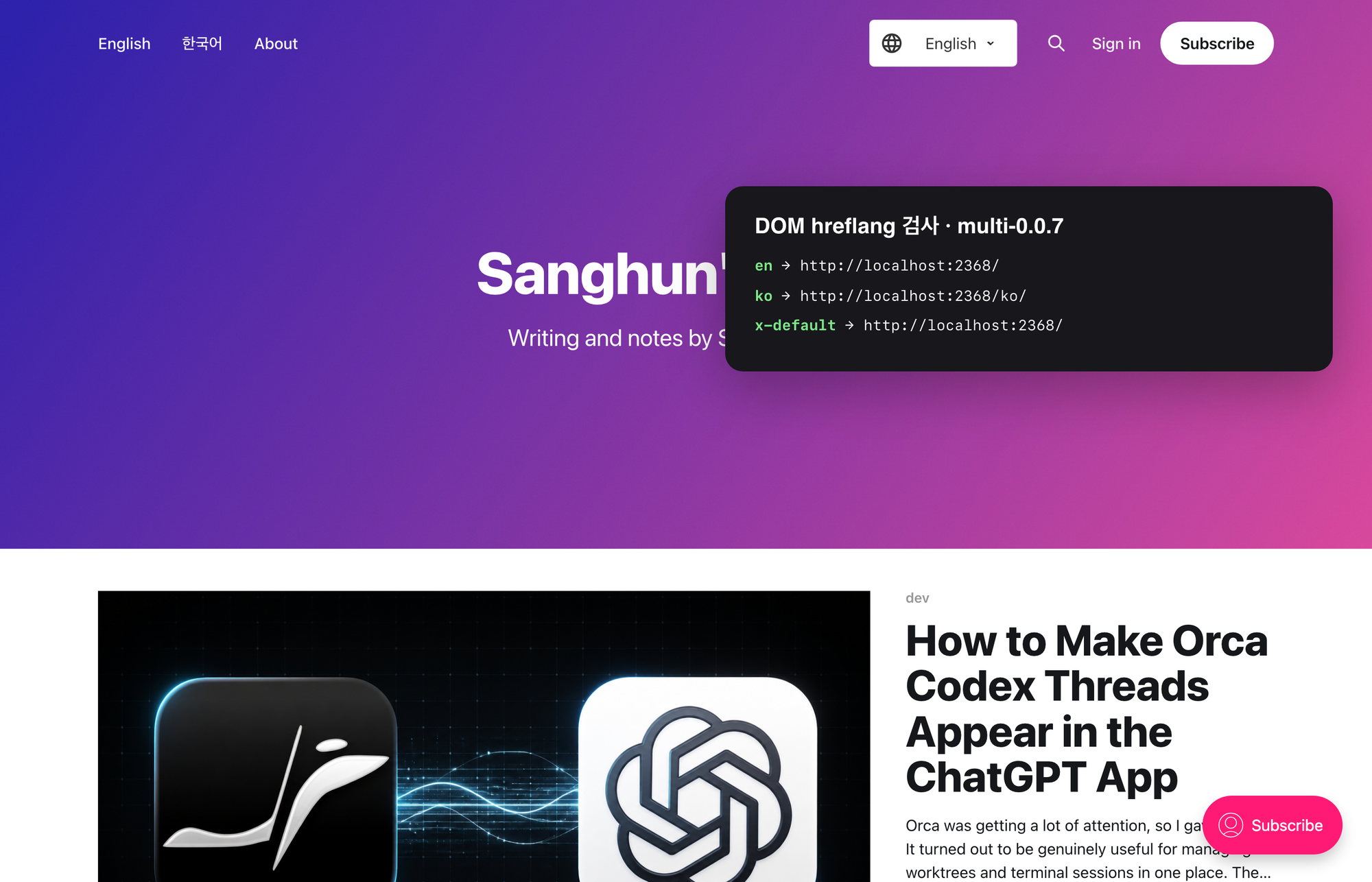
영어 홈 `/`에서 `en`, `ko`, `x-default` 세 링크가 생성됐다.